 EVERYTHING


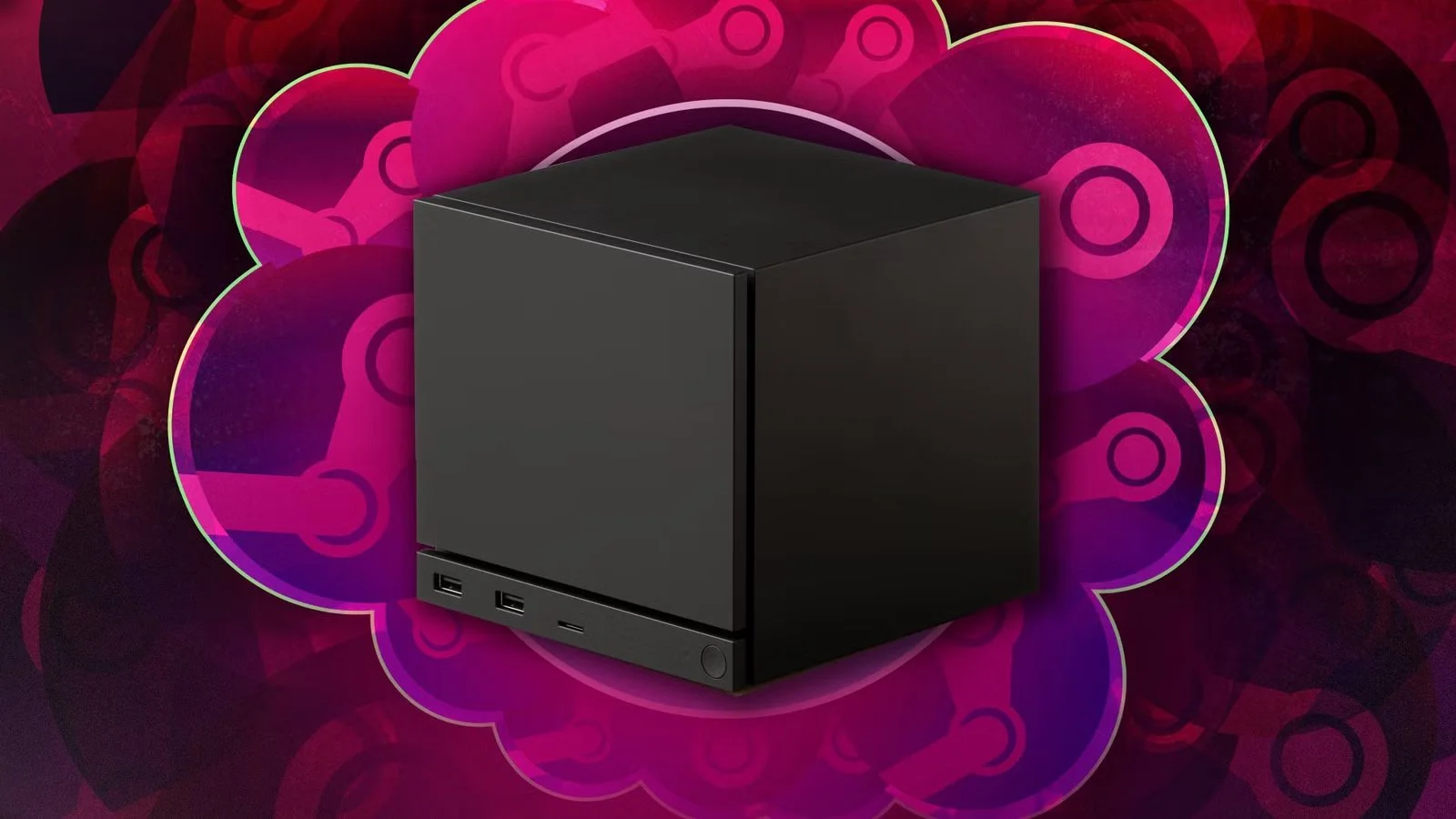
According to Polygon, Valve is positioning the Steam Machine as a bridge between two distinct gaming worlds: the high-performance flexibility of personal computers and the user-friendly simplicity of home consoles. The device is designed specifically for those who want to enjoy PC titles without navigating complex cooling systems or manual component updates.
A hybrid approach to hardware and software
While technically a small-form-factor PC, the Steam Machine distinguishes itself through its custom operating system. Unlike a standard Windows desktop where users might navigate file paths, SteamOS provides a streamlined interface that allows players to launch titles directly from a home screen. This design choice is intended to make the experience feel familiar to owners of an Xbox or Nintendo Switch.
The hardware itself prioritizes portability and space efficiency. It is significantly smaller than a standard console, weighing approximately 5.7 pounds. This compact size allows it to be transported easily in a backpack alongside cables and peripherals, making it a versatile option for different living spaces.
Setup and game compatibility
Valve has simplified the initial onboarding process to ensure that newcomers can begin playing quickly. The setup involves standard steps such as language selection, Wi-Fi connection, and system updates. Once signed into a Steam account, users can often launch games within one minute of the initial boot.
However, compatibility remains a nuanced topic for this hardware:
- Users have access to their entire existing Steam library, though performance varies based on game requirements.
- A blue SteamOS compatibility icon indicates that a title is verified to work with the machine.
- Games with a circle and diagonal line are confirmed as incompatible, often due to specific anti-cheat systems like those in Destiny 2.
- Indie titles may display a question mark, meaning their functionality has not been officially verified but they may still run.
Because the Steam Machine is not a high-end powerhouse like a PS5 Pro, some demanding new releases may struggle to run at peak performance. Nevertheless, Valve's strategy focuses on providing a judgment-free crash course for those looking to transition into the PC ecosystem without the traditional learning curve.