 EVERYTHING


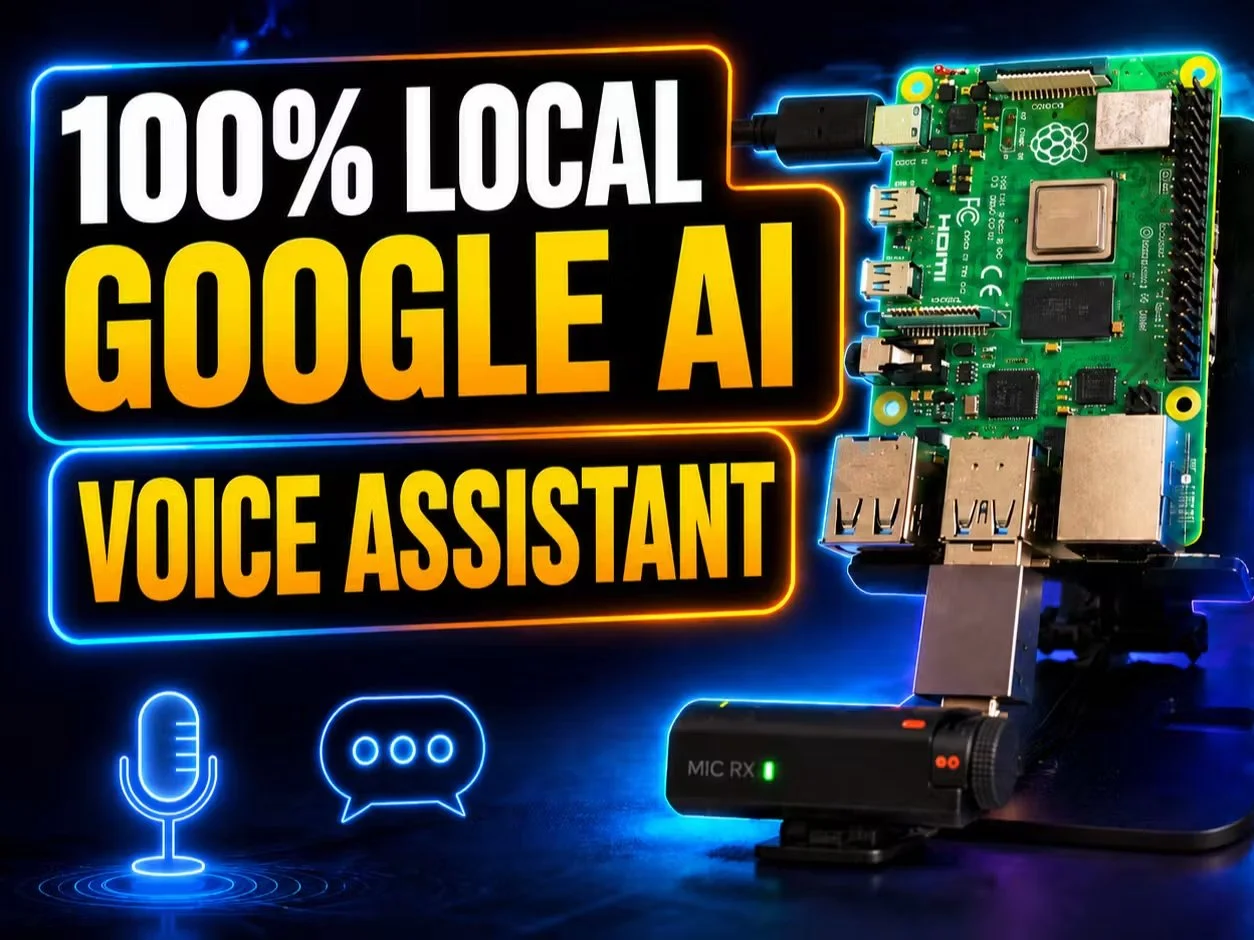
According to Letsdatascience, maker Jithin Sanal published a project on Hackster.io detailing a voice assistant that operates entirely offline. The system utilizes the Raspberry Pi 4 or 5 as its core hardware, leveraging local large language models (LLMs) to ensure that no user data ever leaves the device.
Technical Architecture and Software Stack
The project builds a complete pipeline where audio from a USB microphone is first processed by the Whisper tiny model for speech-to-text conversion. The resulting transcript is then fed into Google's Gemma model, which is served locally using the Ollama framework. Finally, the system synthesizes a spoken response using Piper TTS (specifically the en_US-lessac-high voice). This entire stack runs on Raspberry Pi OS Bookworm 64-bit.
The hardware requirements are relatively modest but specific regarding memory management:
- Raspberry Pi 4 or 5 (minimum 2GB RAM, though 4GB+ is recommended)
- MicroSD card for storage
- USB microphone and a speaker (3.5mm or USB)
- Ollama for model serving and faster-whisper for STT
Performance Benchmarks and Latency
The developer provided specific end-to-end latency figures based on different hardware configurations and model sizes. While the system is not intended for instantaneous conversation, it remains viable for command-based tasks. The benchmarks include:
- 12-18 seconds on a 2GB Raspberry Pi 4 running gemma3:1b
- 18-25 seconds on a 4GB Raspberry Pi 4 running gemma3:4b
- 10-15 seconds on an 8GB Raspberry Pi 5 running gemma3:4b
The guide emphasizes that model selection is the primary constraint for edge AI. For instance, while the gemma3:1b model uses approximately 1.4GB of RAM, the larger gemma3:4b requires about 3.2GB, making it unsuitable for lower-tier devices. For those seeking even faster performance, the author suggests exploring sub-3B quantized alternatives like llama3.2:1b or phi3.5:mini.
This project serves as a significant milestone for privacy-centric IoT development. By removing the need for internet connectivity, it provides a secure foundation for home automation where data sovereignty is a priority. While the current latency may be too high for fluid human-like dialogue, it is perfectly suited for voice-controlled environmental controls and private information retrieval.