 EVERYTHING


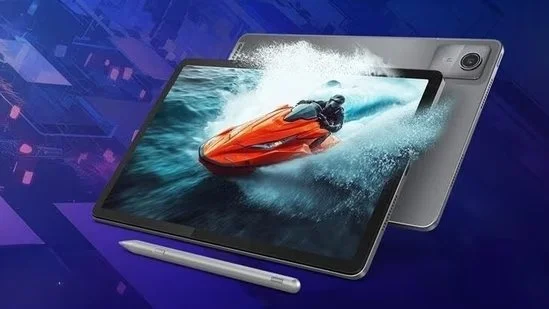
According to Hindustantimes, the shift toward mobile creativity has made high-quality tablets essential tools for anyone looking to sketch or edit content anywhere. Modern hardware now combines powerful performance with responsive pen support to facilitate a more natural workflow for digital illustrations and design notes.
Top tablet recommendations for creators
The market offers a variety of options depending on specific user needs, ranging from budget-friendly devices to high-end professional tools. For those seeking value without sacrificing core features, several brands provide robust specifications including large displays and ample memory.
- Motorola Pad 60 Neo: A budget-friendly option featuring 8 GB RAM and 128 GB ROM, priced at ₹21,000.
- Lenovo Idea Tab Smartchoice with Pen: Offers a 2.5K display, 8GB RAM, and 256GB expandable storage for ₹24,998.
- Acer Iconia 5G Tablet with Stylus Pen: Includes an 11.45-inch 90Hz IPS display and 5G connectivity for ₹25,961.
- Xiaomi Pad 7 Nano Texture Display: A high-end choice featuring a Snapdragon 7+ Gen 3 processor and 12GB RAM for ₹33,999.
Key hardware specifications to consider
When selecting a tablet for creative work, the quality of the display and the responsiveness of the stylus are paramount. For instance, the Lenovo Idea Tab with Folio Keyboard provides a 2.5K resolution screen with a 90Hz refresh rate, which is critical for smooth drawing experiences. Similarly, the Xiaomi Pad 7 Nano Texture Display emphasizes visual clarity with an anti-reflective and anti-glare finish, making it suitable for various lighting conditions.
The inclusion of specific processors like the MediaTek Dimensity 6300 in several mid-range models ensures that multitasking remains fluid. Furthermore, storage capacity is a vital consideration; some devices now offer up to 2TB of expandable memory to accommodate large project files and high-resolution assets. By focusing on these hardware pillars—display quality, pen responsiveness, software support, and portability—users can identify the best tool for their specific creative demands.
Ultimately, the evolution of tablet technology ensures that professional-grade creativity is no longer confined to stationary setups. These devices provide a versatile bridge between inspiration and execution for artists and designers alike.