 EVERYTHING


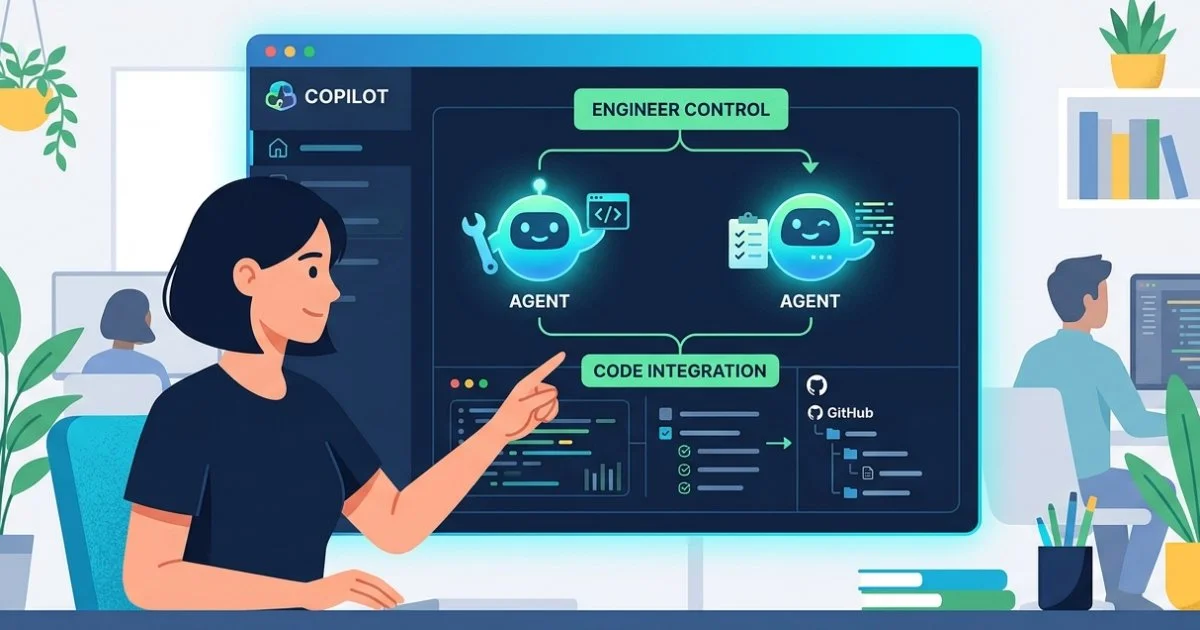
According to Infoq, GitHub has unveiled the GitHub Copilot app as a technical preview for its Pro, Pro+, Business, and Enterprise tiers. The application serves as a centralized hub where engineers can oversee autonomous AI agents that perform complex coding tasks. This move addresses growing concerns regarding disjointed workflows and the significant time developers currently spend reviewing opaque background processes generated by various AI tools.
Isolated worktrees and parallel processing
A core technical feature of the Copilot app is its use of git worktrees to ensure that each agent session remains isolated. This architecture allows teams to run several agents in parallel without risk of interference with local branches or other active tasks. For instance, a single developer can manage one agent investigating a production bug while another works on a backlog item and a third addresses review comments.
When an agent completes its assigned task, the app utilizes GitHub's pull request mechanism to propose changes. A specific feature called Agent Merge tracks these changes through the entire lifecycle, including automated checks and continuous integration loops. This ensures that agents can drive code back to a "green" state or address specific reviewer feedback before final merging.
Canvases and sandboxed environments
To improve visibility, GitHub is introducing canvases as bidirectional work surfaces. These surfaces allow both humans and AI agents to update plans, browser sessions, terminals, and dashboards in real-time. While chat remains the primary interface for reasoning and instructions, canvases provide a visual space where that intent transforms into inspectable work.
Security and containment are managed through two distinct sandbox options:
- Local sandboxes: These run on the developer's machine with restricted access to the filesystem and network, governed by central policies.
- Cloud sandboxes: These operate in ephemeral Linux environments hosted by GitHub, allowing organizations to set guardrails and resume sessions across different devices.
Expanded review capabilities
The release also includes updates to Copilot's code review features, which can now be tuned per repository. Users can select a medium-depth review for higher-reasoning models or use custom skills like /security-review and /rubberduck for specialized analysis. Furthermore, GitHub is extending these advanced code review experiences to Azure DevOps, broadening the reach of its AI ecosystem beyond its own hosted repositories.