 EVERYTHING


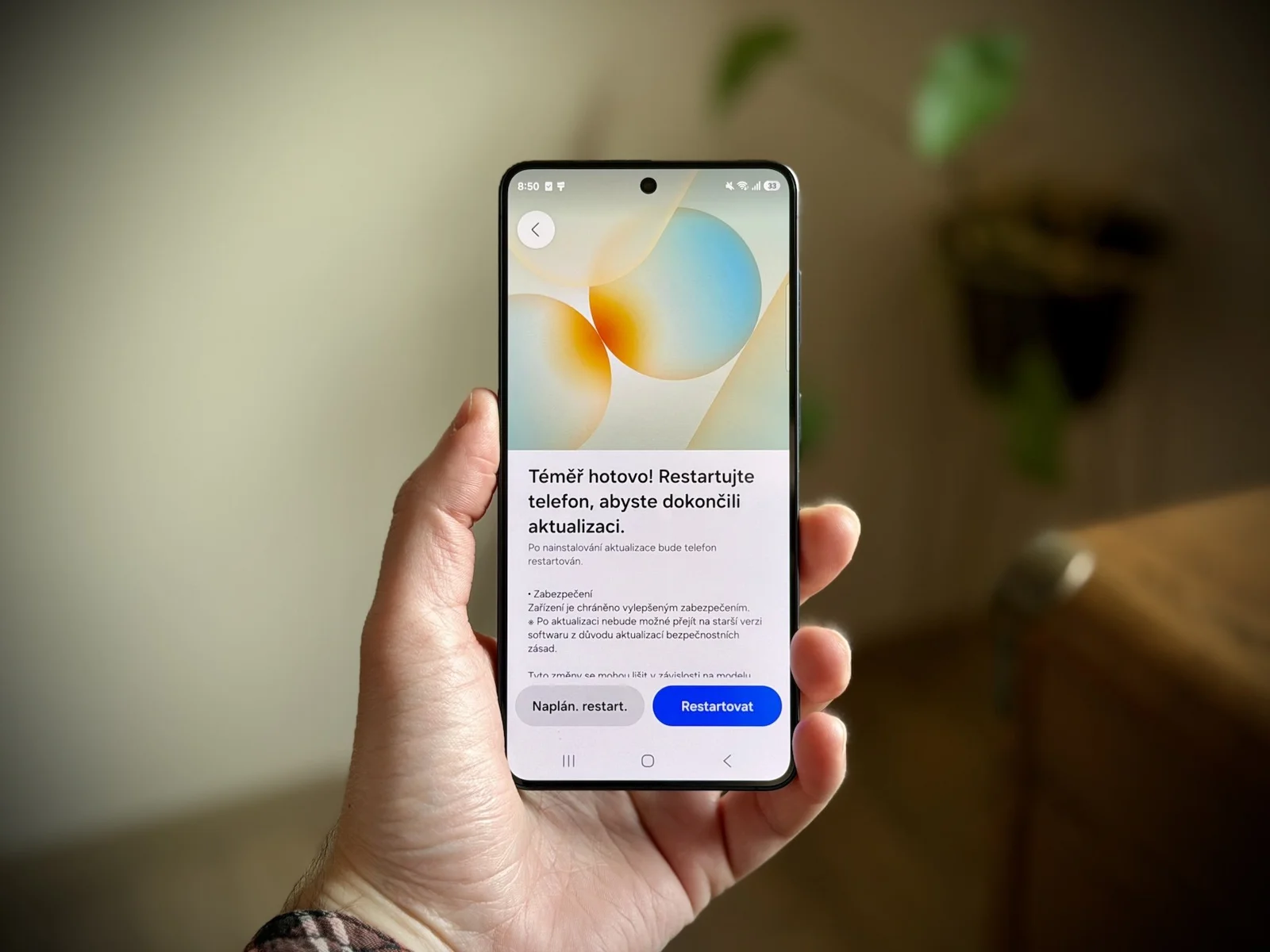
Samsungmagazine reports that in recent months, both Google and Samsung have completely reversed their previous approach to distributing essential system patches. Historically, smartphone owners often complained about the inconsistent release schedule of Google Play updates. However, the pace at which these small but vital packages are now being deployed is notably high.
The acceleration is evident in the timeline: during April and May of this year alone, Samsung devices received four Google Play system updates—two every two months. This trend continued into June with a fifth update, and within just three months, the sixth update was rolled out to various handsets. The latest package observed on flagship models like the Galaxy S26 Ultra, as well as mid-range devices such as the Galaxy S21 FE, has a relatively small installation size of 98 MB.
The Nature of Under-the-Hood Fixes
Despite the consistent rollout, users have noted an interesting anomaly regarding the security date. Even after installing recent updates, some phones still display the previous official safety date, such as May 1, 2026, or early June. This suggests that Google is implementing specific fixes and patches internally without altering the formal monthly version designation. While the official change log often remains default, traditionally these updates focus on enhancing the stability of core Google services, bolstering security protocols, and optimizing connectivity.
The increased frequency indicates a proactive response to evolving digital threats and user demands for seamless performance. For technical users, this rapid deployment cycle signifies a commitment to maintaining high operational standards across their device ecosystem.
How Users Can Monitor System Patches
While Google Play system updates are often downloaded automatically in the background, installation typically requires a device reboot. Users who wish to manually verify if an update is available can follow a specific process on their Samsung devices:
- Open the phone's Settings menu.
- Scroll down and tap "About Phone."
- Select the "Software Information" option.
- Tap the "Google Play System Update" element.
The device will then search for any available package and prompt the user to download it, followed by a required system restart. This streamlined process allows users to maintain maximum security without complex troubleshooting.
Ultimately, Samsung's strategic pivot toward high-frequency updates addresses long-standing concerns regarding software stagnation, positioning the company as a leader in maintaining robust device health and digital safety for its global user base.